Salesforce stores valuable customer and sales data, but many businesses still struggle to turn that information into clear reporting and fast decisions. Teams export spreadsheets, build manual reports, and spend hours trying to understand what is actually happening across sales, marketing, and customer operations.
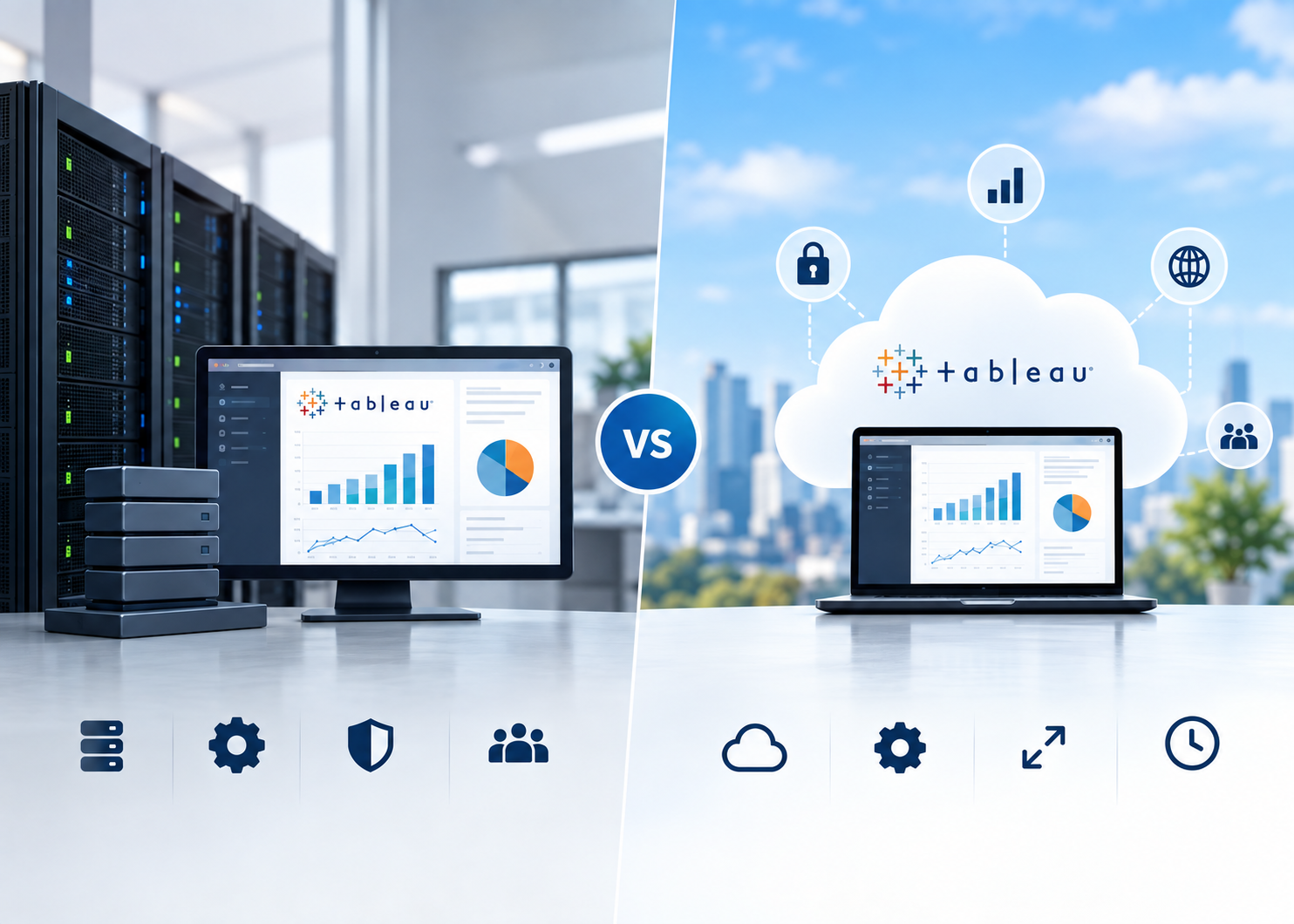
Tableau Salesforce integration solves that problem by turning CRM data into real-time dashboards, visual reports, and actionable business insights through connected Tableau consulting designed for enterprise reporting.
For growing businesses and enterprise teams, this integration improves reporting speed, decision-making, and visibility across departments without relying on disconnected spreadsheets or outdated dashboards.
Why Businesses Integrate Tableau With Salesforce
Salesforce is one of the most widely used CRM platforms for managing customer relationships, sales pipelines, and operational data. But as businesses grow, reporting requirements become more complex.
Most organizations eventually face challenges such as:
- limited dashboard flexibility
- disconnected reports
- delayed reporting cycles
- inconsistent KPI tracking
- manual spreadsheet exports
This is where Tableau becomes valuable.
Tableau connects directly with Salesforce and transforms CRM data into interactive dashboards and visual analytics using scalable Salesforce CRM analytics consulting for enterprise teams.
The integration helps leadership teams move beyond static reporting and make decisions based on live business data.
According to Salesforce, organizations using connected analytics systems are better positioned to improve customer engagement, operational efficiency, and forecasting accuracy.
Read Also: Tableau vs Power BI vs CRM Analytics: Which Fits Your Team?
Common Reporting Challenges Businesses Face Inside Salesforce
Salesforce works well for operational CRM management, but many teams reach limitations when reporting requirements become more advanced.
One of the biggest issues is dashboard flexibility.
Sales leaders often need:
- regional performance comparisons
- pipeline forecasting
- territory analysis
- customer segmentation
- revenue tracking across multiple sources
Native Salesforce reports can become difficult to manage when data grows across departments and systems.
Another common issue is spreadsheet dependency.
Many organizations still export CRM reports into Excel for:
- custom calculations
- executive presentations
- cross-team reporting
- forecasting analysis
This process slows down reporting and increases the risk of inconsistent data.
Teams also struggle with siloed visibility, especially when business data is spread across disconnected systems without centralized data analytics solutions. Marketing, sales, customer support, and operations may all work with different reports and KPIs, making it difficult to maintain a consistent view of business performance.
Tableau Salesforce integration helps solve these reporting gaps by centralizing data visualization and improving access to real-time insights.
Top Benefits of Tableau Salesforce Integration
Real-Time Salesforce Dashboards
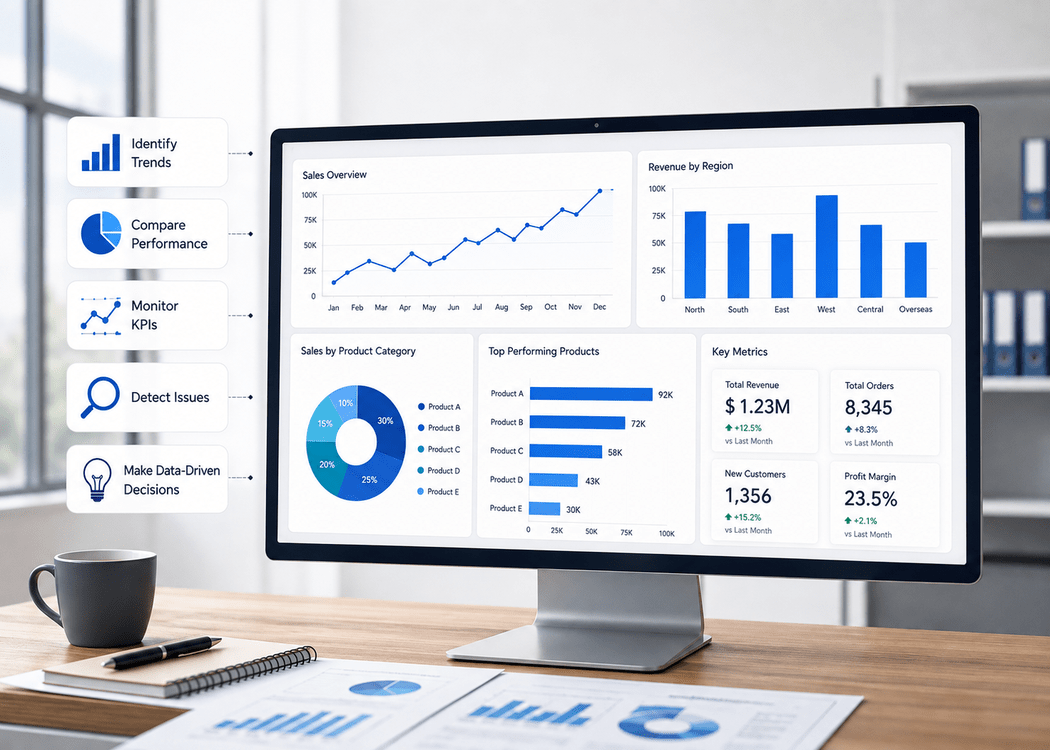
One of the biggest advantages of Tableau Salesforce integration is access to real-time reporting dashboards.
Instead of waiting for manually updated reports, teams can monitor live CRM activity directly through Tableau dashboards.
This includes:
- sales pipeline updates
- opportunity tracking
- customer service performance
- lead conversion metrics
- support ticket trends
Real-time visibility helps businesses respond faster to operational changes.
Sales managers can immediately identify stalled deals. Customer support leaders can monitor service response patterns as they happen. Executives gain a clearer view of overall business performance without waiting for end-of-week reports.
Faster reporting often leads to faster decision-making.
Better Sales Forecasting and Pipeline Visibility
Forecasting becomes difficult when CRM data is scattered across multiple reports or updated manually.
Tableau improves forecasting by helping teams visualize:
- revenue trends
- pipeline movement
- sales velocity
- territory performance
- deal progression
Instead of reviewing raw CRM records, leadership teams can identify patterns visually.
For example:
- which regions consistently underperform
- where deals slow down in the pipeline
- which products generate the highest conversion rates
- how seasonal trends affect revenue
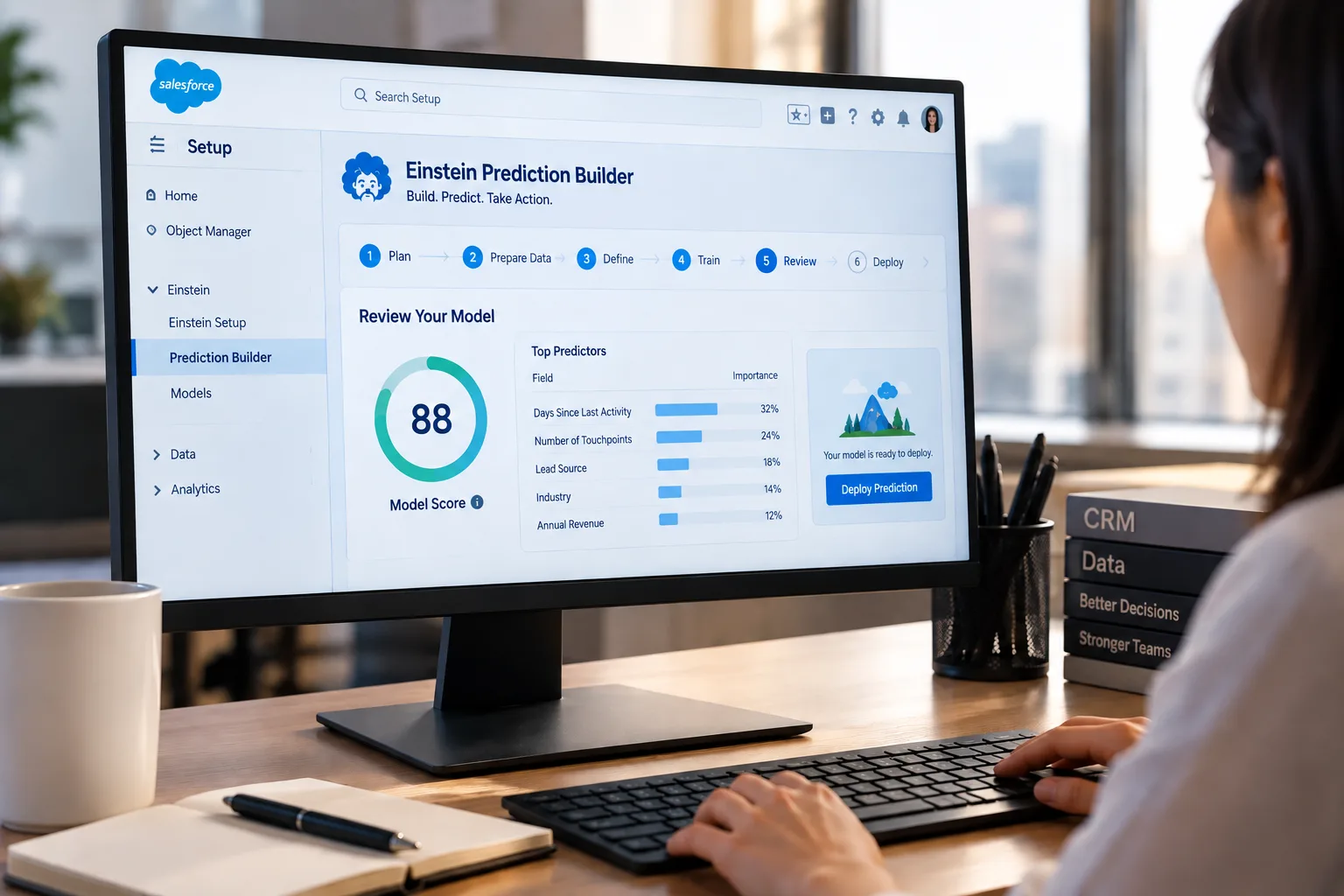
This level of visibility helps businesses improve planning accuracy and reduce forecasting uncertainty through advanced Salesforce Einstein prediction analytics and forecasting models.
Many enterprise sales teams use Tableau dashboards to monitor quota performance and identify pipeline risks before they impact revenue targets.
Advanced Customer Analytics
Salesforce stores large amounts of customer information, but raw CRM records alone rarely provide a complete picture of customer behavior.
Tableau helps businesses analyze customer trends more effectively through advanced visual reporting.
Organizations use Tableau Salesforce integration to track:
- customer engagement
- purchase behavior
- churn risk
- account activity
- customer lifecycle trends
Marketing teams can identify which campaigns generate the highest-value customers.
Customer success teams can monitor accounts showing early signs of churn.
Sales teams can prioritize opportunities based on engagement patterns and historical conversion data.
This creates stronger customer visibility across the entire organization while improving customer segmentation through integrated AI and machine learning services.
Businesses that understand customer behavior more clearly are often able to improve retention, upsell opportunities, and overall customer satisfaction.
Faster Reporting Across Teams
Manual reporting consumes a significant amount of time for many organizations.
Teams often spend hours:
- exporting reports
- cleaning spreadsheets
- updating presentations
- combining data sources
- verifying KPI accuracy
Tableau reduces that workload by automating much of the reporting process.
Dashboards can refresh automatically and provide consistent reporting across departments.
Executives no longer need separate reports from every team. Sales, marketing, operations, and finance can all work from centralized dashboards using the same underlying data.
This improves:
- reporting speed
- collaboration
- KPI consistency
- executive visibility
For many businesses, the time savings alone justify the integration.
Scalable Reporting for Growing Businesses
As companies scale, reporting complexity increases quickly.
More customers, more sales data, more operational metrics, and more departments create larger reporting demands.
Salesforce reporting can become slower and harder to manage when large datasets are involved.
Tableau helps businesses scale reporting more efficiently by handling:
- larger CRM datasets
- multiple data sources
- advanced visualizations
- enterprise reporting requirements
Businesses can combine Salesforce data with:
- ERP systems
- marketing platforms
- financial reporting tools
- operational databases
This creates a more complete view of business performance without overwhelming CRM users.
Growing companies often adopt Tableau because it provides long-term reporting flexibility as operations expand.
Read Also: Can Small Businesses Benefit From AI and Analytics Techniques?
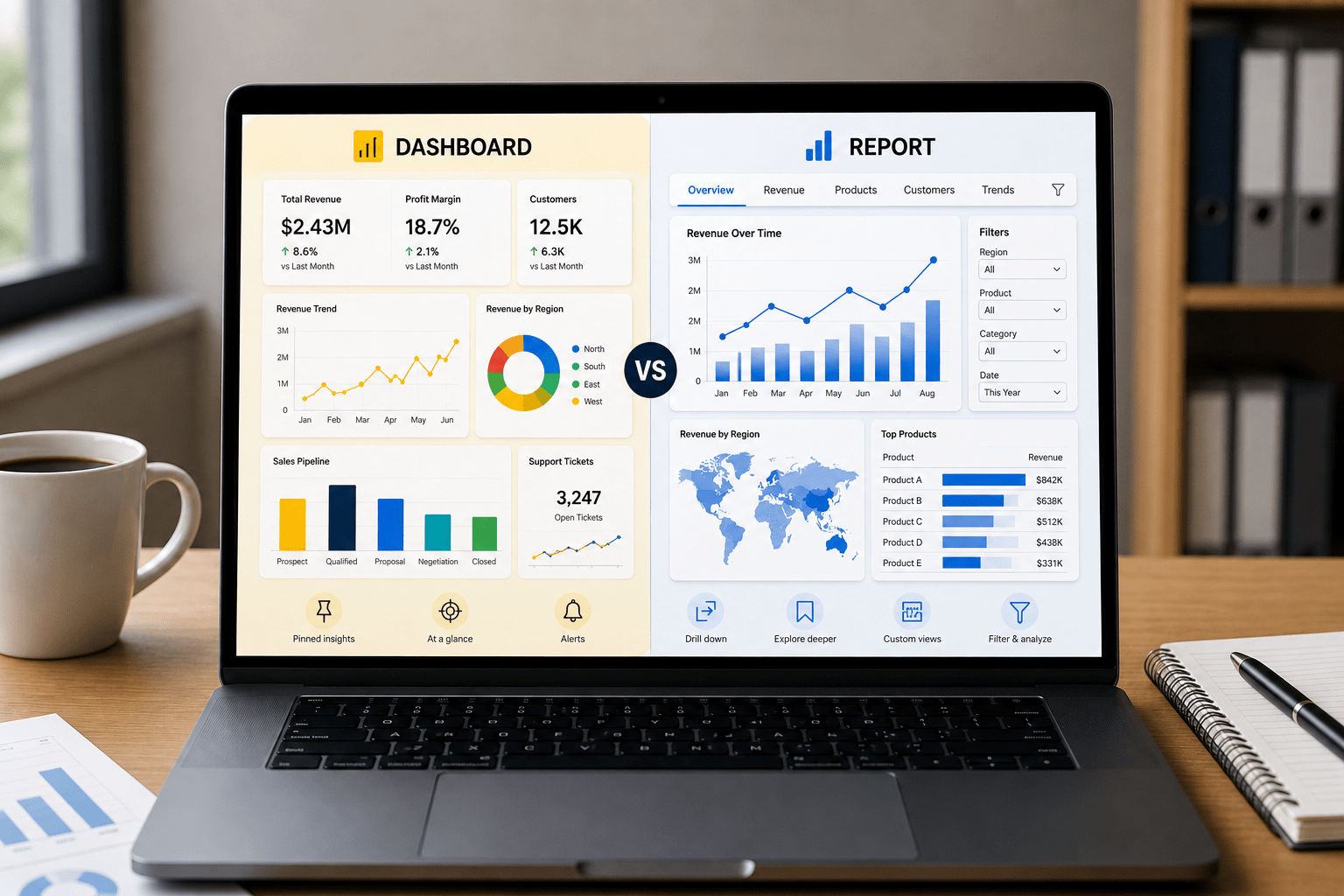
Tableau vs Salesforce Native Reporting
Salesforce includes built-in reporting capabilities, but those tools are primarily designed for operational CRM reporting.
They work well for:
- standard sales reports
- activity tracking
- basic dashboards
- CRM management tasks
However, businesses needing advanced analytics often require deeper visualization and reporting flexibility.
Tableau provides:
- advanced dashboard customization
- interactive visual analytics
- cross-platform reporting
- large-scale data visualization
- deeper forecasting analysis
This is why many enterprises use Salesforce for CRM management and Tableau for business intelligence reporting.
The two platforms serve different purposes but work effectively together when integrated properly.
Industry Use Cases of Tableau Salesforce Integration
Healthcare
Healthcare organizations use Tableau Salesforce integration to track:
- patient engagement
- appointment trends
- support workflows
- operational KPIs
Visual dashboards improve reporting visibility across healthcare operations and patient services.
Retail
Retail companies use integrated dashboards for:
- sales forecasting
- customer segmentation
- campaign reporting
- inventory planning
This helps teams respond faster to changing customer behavior.
Financial Services
Financial organizations rely on Tableau Salesforce reporting for:
- client relationship tracking
- forecasting
- pipeline visibility
- performance monitoring
Interactive dashboards improve executive reporting and financial planning accuracy.
SaaS Companies
SaaS businesses often use Tableau dashboards to monitor:
- customer churn
- subscription trends
- onboarding performance
- customer health scores
These insights help improve retention and recurring revenue growth.
What Businesses Should Prepare Before Integrating Tableau With Salesforce
Successful integration starts with proper planning.
Businesses should first evaluate:
- CRM data quality
- reporting goals
- KPI definitions
- user permissions
- dashboard requirements
Poor data quality creates unreliable dashboards, even with strong reporting tools.
It is also important to define:
- which teams need access
- what decisions dashboards should support
- which metrics matter most
The most successful integrations focus on solving business problems, not simply building dashboards.
Clear reporting strategy matters more than adding additional tools.
Signs Your Business Needs Tableau Salesforce Integration
Many businesses realize they need better CRM analytics when reporting starts slowing down operations.
Common signs include:
- heavy spreadsheet usage
- inconsistent CRM reports
- delayed executive reporting
- limited dashboard flexibility
- disconnected department data
- forecasting challenges
- difficulty tracking KPIs across teams
When reporting becomes difficult to manage manually, Tableau integration often becomes the next logical step.
How Tableau Salesforce Integration Supports Better Enterprise Decisions
Enterprise decision-making depends on visibility.
Leadership teams need clear insights into:
- revenue performance
- customer trends
- operational risks
- forecasting accuracy
- department KPIs
Tableau Salesforce integration helps organizations move from reactive reporting to proactive decision-making.
Instead of reviewing outdated reports, teams can monitor trends in real time and respond earlier to changing business conditions.
This improves:
- strategic planning
- operational alignment
- forecasting confidence
- executive reporting
- cross-functional collaboration
The integration becomes more than a dashboard project. It becomes part of how the organization makes decisions.
Turn Salesforce Reports Into Decisions Your Team Can Actually Use
Many businesses collect valuable CRM data but still struggle with slow reporting, unclear dashboards, and disconnected insights across teams. OzaIntel helps organizations build Tableau and Salesforce reporting systems that improve visibility, simplify forecasting, and give leadership teams clearer insights for sales, operations, and customer growth.
Conclusion
Tableau Salesforce integration helps businesses turn CRM data into clear, real-time reporting that supports faster and more informed decisions.
From sales forecasting and customer analytics to executive dashboards and operational reporting, the integration improves visibility across the entire organization.
As reporting requirements grow, many businesses outgrow manual spreadsheets and limited CRM dashboards. Tableau provides the flexibility and scalability needed to analyze Salesforce data more effectively and support long-term business growth.
Companies like OzaIntel help organizations build scalable Tableau and Salesforce reporting systems that improve forecasting, strengthen analytics visibility, and simplify enterprise reporting across teams.