CRM analytics is the practice of collecting, processing, and interpreting customer data stored inside a CRM system to guide business decisions. It takes raw information such as deal history, support tickets, email engagement, and purchase patterns and turns it into dashboards, forecasts, and recommendations that sales, marketing, and service teams can act on. In short, it answers the question “what is actually happening with our customers, and what should we do next.”
Most companies already collect this data. The gap is in using it. A sales rep logs a call, a support agent closes a ticket, a marketer sends a campaign, and all of that activity sits inside the CRM as raw records. CRM analytics is the layer that sits on top of those records and makes them useful.
How CRM Analytics Works
CRM analytics follows a fairly straightforward flow, even though the technology behind it can get sophisticated.
Data collection. Every interaction your team logs in the CRM, calls, emails, support cases, web form submissions, becomes a data point. This also includes data pulled in from outside systems like marketing platforms, ERPs, or billing tools.
Data cleaning and unification. Raw CRM data is rarely tidy. Duplicate contacts, inconsistent fields, and missing values are common. Before any analysis is reliable, this data needs to be cleaned and merged into a single, consistent dataset.
Visualization and reporting. Once the data is in good shape, it gets turned into dashboards and reports. This is where a sales manager can see pipeline by region, or a service leader can see average case resolution time by team.
Predictive and prescriptive modeling. The more advanced layer applies machine learning to historical data. Tools like Salesforce’s Einstein Discovery look at past deals and outcomes, then predict which open opportunities are likely to close and recommend the next best action for a rep to take.
None of these steps work well in isolation. A dashboard built on dirty data will mislead more than it helps, which is why data quality is treated as a first step rather than an afterthought in any serious CRM Analytics consulting engagement.
It’s also worth noting that CRM analytics rarely lives in a single system. Most businesses run customer data through marketing automation tools, billing platforms, and support ticketing software, with the CRM holding only part of the full picture. The strongest analytics setups connect these sources together so a dashboard reflects the entire customer relationship, not just the slice of it that happened to get logged inside the CRM.
Read Also: Why Is Salesforce Used by Data Analysts?
Types of CRM Analytics
CRM analytics generally falls into four categories, and most mature analytics programs use all four together.
Descriptive analytics looks backward. It answers “what happened” through reports like monthly sales totals, win rates by territory, or ticket volume by product line.
Diagnostic analytics goes a step further and asks “why did it happen.” If win rates dropped in Q2, diagnostic analytics digs into the data to find the cause, whether that’s longer sales cycles, a specific competitor, or a change in lead source quality.
Predictive analytics uses historical patterns to forecast what is likely to happen next. This includes deal-closure probability, churn risk scoring, and revenue forecasting.
Prescriptive analytics is the most advanced layer. Instead of just predicting an outcome, it recommends an action, for example, suggesting that a rep call a specific account today because the model flags it as at risk of going cold.
These four types build on each other rather than replacing one another. A mature analytics program usually starts with strong descriptive reporting, since you can’t predict outcomes you don’t understand yet, and gradually layers in diagnostic, predictive, and prescriptive capability as data quality and team confidence improve. Trying to jump straight to AI-driven predictions without a solid descriptive foundation is one of the more common reasons analytics projects stall.
Why CRM Analytics Matters for Businesses
The case for CRM analytics isn’t theoretical. Companies that use their CRM data well consistently outperform those that don’t.
Decisions get faster and more accurate because teams aren’t relying on gut feeling or outdated spreadsheets. Forecasting improves because revenue predictions are based on real pipeline behavior instead of optimistic guesswork. Customer retention improves because churn signals show up in the data before a customer actually leaves. And reps spend less time digging through records and more time selling, since the insights they need are already surfaced on a dashboard.
The numbers back this up. According to Nucleus Research, organizations that implement CRM properly see an average return of $8.71 for every $1 invested over a multi-year period, based on data drawn from thousands of deployments. That return depends heavily on whether the data inside the CRM is actually being analyzed and acted on, not just stored.
Key CRM Analytics Metrics to Track
Not every metric matters equally. A focused dashboard built around a handful of meaningful numbers beats a cluttered one with fifty charts nobody checks.
Customer Lifetime Value (CLV) shows how much revenue a customer is expected to generate over the full relationship, which helps prioritize retention efforts.
Win rate tracks the percentage of opportunities that convert to closed deals, broken down by rep, team, or source.
Churn rate measures how many customers stop doing business with you over a given period, often the earliest warning sign of a deeper problem.
Average deal size and sales cycle length together show how efficiently revenue is moving through the pipeline.
Customer satisfaction and NPS capture sentiment directly, often pulled from support interactions and surveys logged in the CRM.
It’s tempting to track everything a CRM can measure, but more metrics don’t mean more clarity. A team that watches five metrics consistently and acts on them will outperform one that glances at fifty without a clear sense of what matters most. The right starting point is usually to pick metrics tied directly to the business goals defined before the project began, then add more only once those are being used reliably.
CRM Analytics Use Cases Across Departments
CRM analytics isn’t just a sales tool. It supports nearly every customer-facing function.
In sales, it powers pipeline forecasting and lead scoring, so reps know which deals deserve attention first and managers can predict quarter-end numbers with more confidence.
In marketing, it supports campaign attribution and audience segmentation, showing which campaigns actually influenced closed revenue rather than just generating clicks.
In customer service, it surfaces case resolution trends and satisfaction patterns, helping teams catch recurring issues before they snowball.
For leadership, executive dashboards roll all of this into a single view of company performance, often pulling data not just from the CRM but from connected platforms like Snowflake, AWS, or Azure for a complete picture. Building these views well is as much a design problem as a technical one, which is where dedicated data visualization work tends to make the biggest difference between a dashboard people glance at once and one they actually rely on daily.
This cross-functional value is part of why AI-assisted CRM adoption keeps climbing. Businesses using generative AI features inside their CRM are 83% more likely to exceed their sales goals compared to those that don’t, according to recent CRM adoption research. The advantage doesn’t come from the AI itself, it comes from feeding that AI clean, well-structured CRM data to work with.
Read Also: How to Build an AI Analytics Dashboard for Your Business
CRM Analytics vs Traditional Reporting
It helps to separate CRM analytics from the static reporting many teams grew up with.
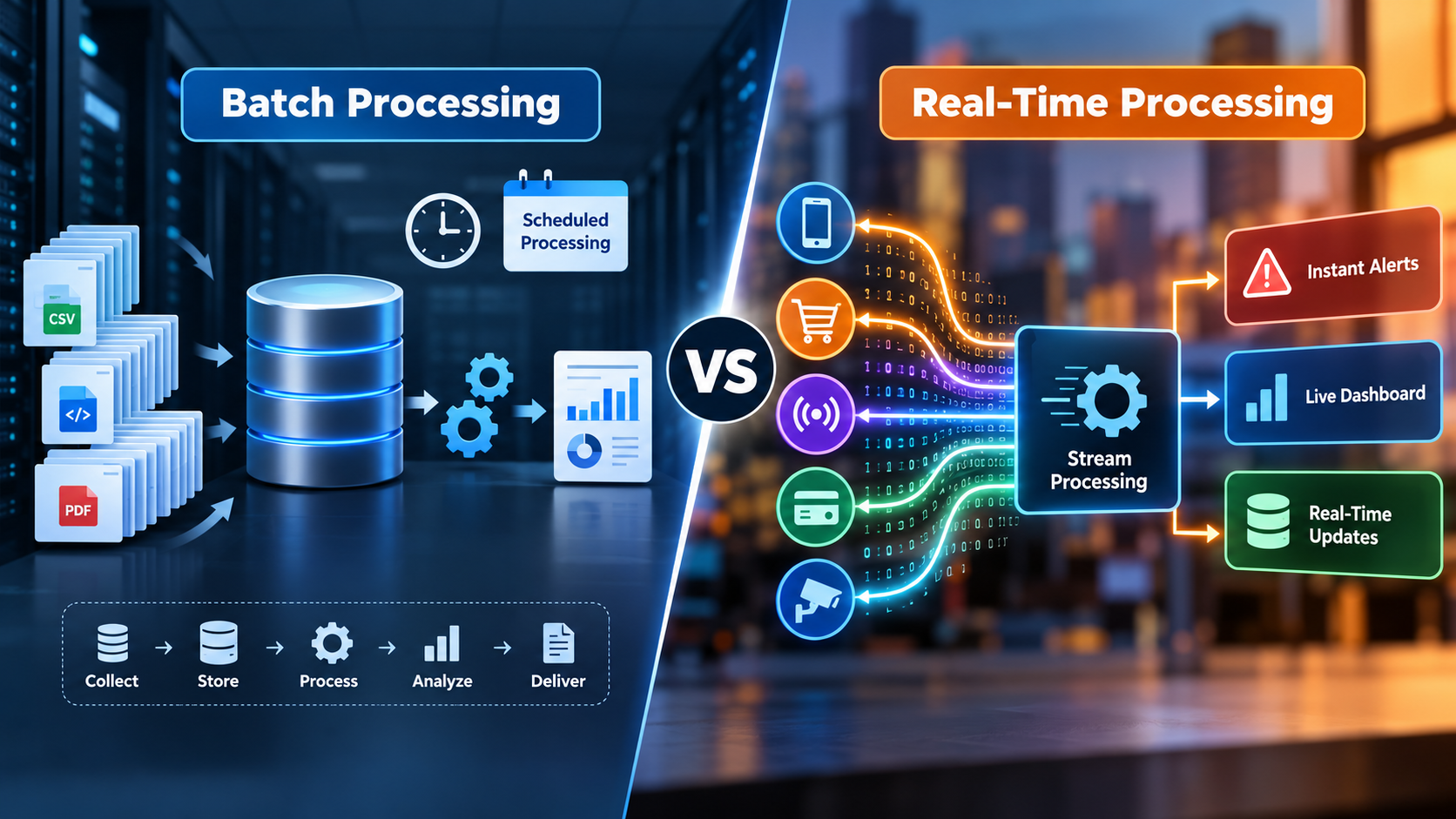
Traditional reporting tends to be a monthly or quarterly export, a snapshot that’s already outdated by the time someone reads it. CRM analytics, by contrast, runs on live data, so a dashboard reflects what’s happening in the pipeline right now, not what happened four weeks ago.
Traditional reporting is also reactive by nature. It tells you what already occurred. CRM analytics, especially the predictive layer, tells you what’s likely to occur next, giving teams time to act before an outcome is locked in.
Finally, traditional reporting puts the burden of interpretation entirely on the person reading it. Modern CRM analytics platforms increasingly surface the interpretation themselves, flagging anomalies or recommending actions automatically rather than waiting for someone to notice a trend buried in rows of numbers.
This doesn’t mean traditional reports disappear entirely. Static reports still have a place for compliance records or board-level summaries that need to stay fixed in time. The shift is in how teams make day-to-day decisions, leaning on live, interactive views instead of waiting for the next scheduled export.
Common Challenges in CRM Analytics
CRM analytics delivers real value, but it isn’t automatic. A few recurring problems trip up most implementations.
Data quality is the biggest one. Duplicate records, missing fields, and inconsistent naming conventions quietly undermine even the best-designed dashboard.
Siloed data is another common issue. When customer information lives in separate systems, marketing automation here, support tickets there, finance data somewhere else, analytics ends up incomplete no matter how good the CRM itself is.
Low user adoption can derail a project even after the technical work is done. A beautifully built dashboard is worthless if sales and service teams don’t actually open it during their workday.
Lack of skilled resources to interpret and maintain the models is a quieter but real obstacle, particularly for the predictive and prescriptive layers.
These aren’t small risks. Gartner projects that 40% of agentic AI CRM projects will stall or fail outright by 2028, largely due to these same data quality and adoption gaps rather than the technology itself falling short.
None of these challenges are reasons to avoid CRM analytics altogether. They’re reasons to plan for them upfront. Businesses that budget time for data cleanup, assign clear ownership over dashboard maintenance, and involve end users early in the design process tend to avoid most of these pitfalls before they become expensive to fix.
How to Get Started With CRM Analytics
A successful rollout tends to follow a similar path regardless of company size or industry.
Start by defining business goals and KPIs before touching any tool. Knowing whether the priority is shortening sales cycles, reducing churn, or improving forecast accuracy shapes everything that follows.
Next, audit and clean your existing CRM data. This step is unglamorous but it determines whether everything built afterward is trustworthy.
Then choose the right analytics approach, whether that’s a native tool built into your CRM or a connected platform that pulls in outside data sources.
From there, build dashboards around actual user roles rather than a single generic view. A sales manager, a service rep, and a CFO each need to see different things.
Finally, train your teams and revisit the setup regularly. Adoption and refinement matter as much as the initial build, since business priorities shift and dashboards need to shift with them.
Many businesses underestimate how much of this work happens after the initial dashboards go live. The first version of a CRM analytics setup is rarely the final one. As teams start using it, they ask for new views, notice gaps in the data, and find metrics that mattered less than expected. Treating the rollout as a starting point rather than a finished product tends to separate the implementations that get used from the ones that quietly get ignored after the first month.
Choosing a CRM Analytics Platform
Not all platforms are built the same way, and the right one depends on what’s already in your tech stack.
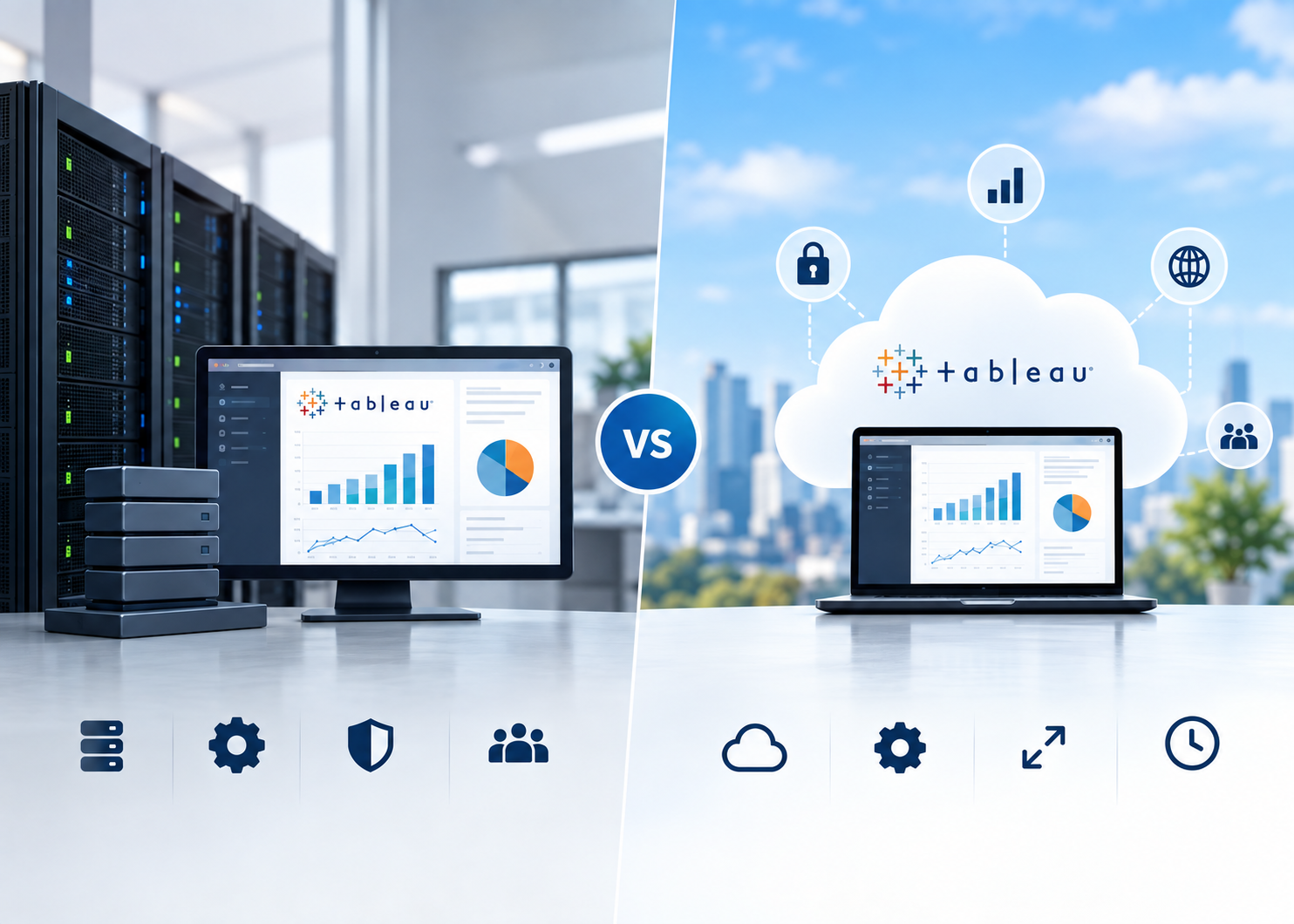
Look for native integration with your existing CRM so data doesn’t need to be manually exported and re-imported, which introduces delays and errors. Scalability matters too, particularly if your data lives across multiple systems like Snowflake, AWS, or Azure, since the platform needs to connect cleanly with all of them.
Ease of use is often underestimated; if non-technical team members can’t build or read a dashboard without help, adoption suffers. And increasingly, built-in predictive capability is becoming a baseline expectation rather than a nice-to-have, since teams want forecasts and recommendations, not just historical charts.
Salesforce’s own CRM Analytics platform, paired with Einstein Discovery for predictions, is a common starting point for businesses already running Salesforce, since it keeps data, dashboards, and AI models inside the same ecosystem rather than bolting on a separate tool. For companies that want to go further with custom prediction models or automation beyond what’s available out of the box, dedicated AI and machine learning work can extend a CRM analytics setup well past standard forecasting into more tailored, business-specific predictions.
FAQs On CRM Analytics
CRM analytics is the process of analyzing customer data stored in a CRM system to understand behavior, predict outcomes, and guide business decisions. It turns raw records like emails, calls, and deal history into dashboards and forecasts teams can actually use.
They overlap but aren’t identical. Business intelligence covers reporting across an entire organization, including finance and operations. CRM analytics focuses specifically on customer-related data inside the CRM, like pipeline, churn, and service trends.
Operational CRM manages day-to-day customer interactions, things like logging calls or tracking support tickets. Analytical CRM looks backward at that same data to find patterns, forecast outcomes, and inform strategy. Most modern CRMs combine both.
Salesforce CRM Analytics (with Einstein Discovery), Tableau, Microsoft Power BI, and HubSpot’s reporting tools are among the most widely used. The right choice usually depends on which CRM a business already runs and how much predictive capability it needs.
Basic dashboards and reports can be ready in two to six weeks. More advanced setups involving multiple data sources, custom predictive models, or AI features typically take two to three months, depending on data quality and integration complexity.
Small businesses benefit too, often more visibly, since even simple insights like which leads convert best or which customers are at risk of churning can meaningfully change where limited resources go. The scale of the setup just needs to match the size of the team.
Poor data quality is the most common cause. Duplicate records, missing fields, and inconsistent data entry undermine even well-designed dashboards. Low user adoption is the second biggest factor, since insights only help if teams actually use them.
Yes. Predictive models look at patterns from past customers who churned, things like declining engagement or support complaints, and flag current accounts showing similar warning signs before they actually leave.
AI adds a predictive and prescriptive layer on top of standard reporting. Instead of just showing what happened, AI-powered CRM analytics can forecast outcomes like deal closure probability and recommend specific next actions for sales or service teams.
Start by defining what you want to learn from your data, such as which deals are most likely to close or where customers tend to drop off. From there, working with a CRM analytics partner can help translate that goal into clean dashboards without requiring you to build anything yourself.
Read Also: Salesforce Analytics for Retail vs B2B Businesses: What’s Different?
Final Thoughts
CRM analytics isn’t a one-time project that gets finished and shelved. It’s an ongoing capability that improves as more data flows in and as teams get better at acting on what it shows them. The businesses getting the most value treat it as a habit built into how decisions get made, not a dashboard someone checks once a month.
If you’re working with Salesforce and want help turning your CRM data into dashboards, forecasts, and predictive insights that your teams will actually use, OzaIntel works with companies to design and implement CRM analytics solutions built around real business goals rather than generic templates.
Ready to Turn Your CRM Data Into Real Decisions?
If your CRM is full of data but short on insight, OzaIntel can help. Our team builds custom dashboards, predictive models, and Salesforce CRM Analytics solutions designed around your actual business goals, not generic templates. Let’s talk about what your data could be doing for you.