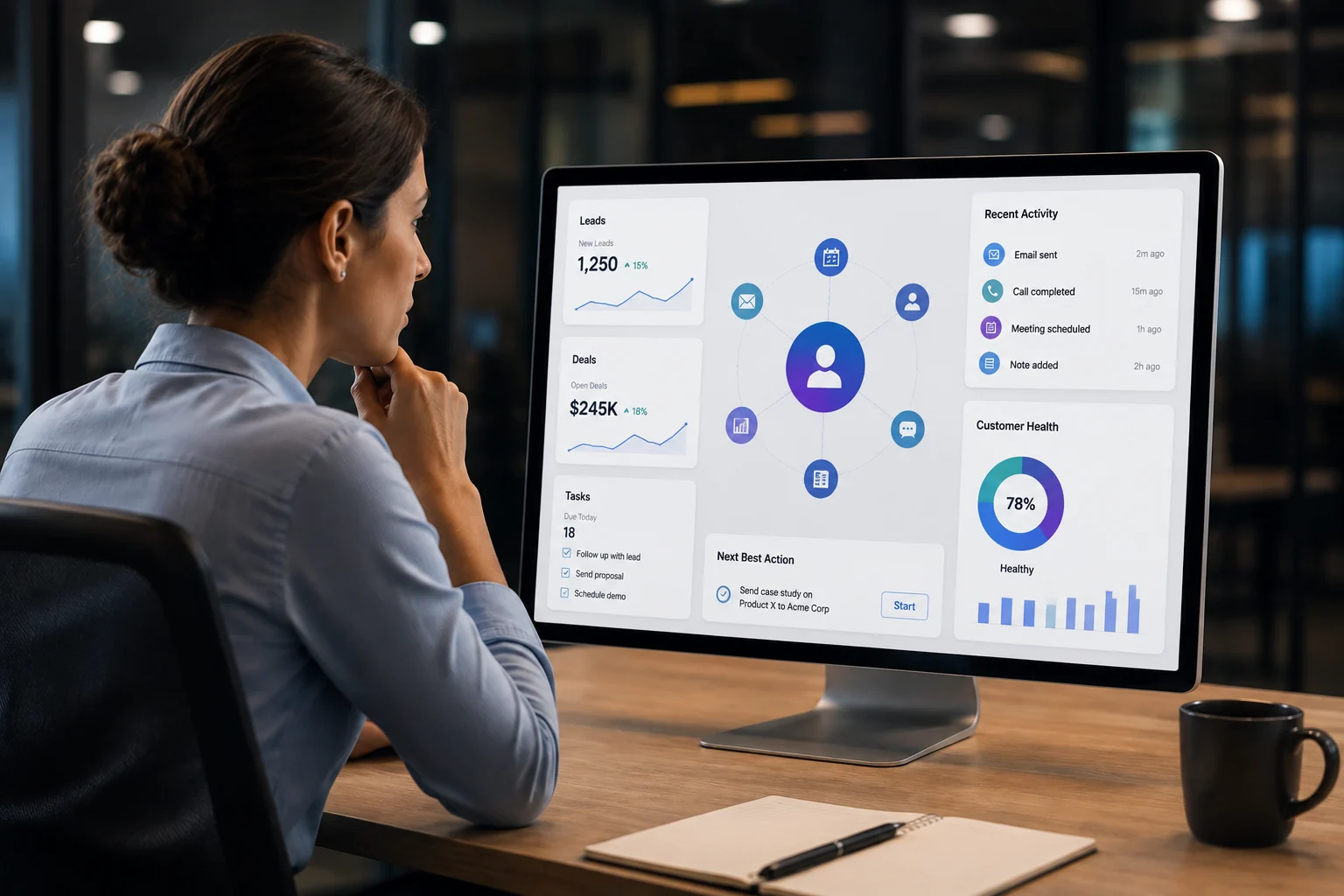
Data analysts use Salesforce because it brings customer data, reporting tools, and predictive analytics into one platform, removing the need to juggle multiple disconnected tools. Instead of pulling data from five different sources and cleaning it in spreadsheets, analysts can query, segment, visualize, and share insights directly inside Salesforce. That is the short answer. But the reasons go deeper than convenience.
This article breaks down exactly why Salesforce has become a go-to platform for data analysts across industries, from sales and marketing to customer success and operations.
What Makes Salesforce Different for Data Analysts
Most analysts spend more time finding and cleaning data than actually analyzing it. Tools sit in silos. Marketing data lives in one platform. Sales data in another. Customer support data somewhere else entirely. Getting a complete picture means exporting CSVs, running manual joins, and building fragile spreadsheet models that break every quarter.
Salesforce fixes this at the root.
It is not just a CRM. It is a data platform that connects every customer-facing function sales, marketing, service, commerce, and stores- and stores all activity in a structured, queryable format. For a data analyst, that kind of centralized data environment is extremely valuable.
According to IDC’s 2025 rankings, Salesforce held 20.7% of the worldwide CRM market and was named the #1 CRM provider for the 12th consecutive year. That level of adoption means analysts working at most mid-to-large companies are almost certainly dealing with Salesforce data at some point.
Read Also: How Much Does It Cost to Hire a Data Analytics Consultant in 2026
Salesforce Gives Analysts a Single Source of Truth
When a data analyst is asked, “Why did revenue drop last quarter?” the answer is never in one place. It involves pipeline data, marketing spend, customer churn, support ticket volume, and rep activity logs. Gathering all of that manually takes days.
In Salesforce, it is already there.
Every deal, every customer interaction, every campaign response, and every support case is stored inside the same system. Analysts can pull a complete dataset without waiting on other teams to send exports.
This is what people mean when they say “single source of truth.” Everyone in the business is looking at the same data, in the same system, refreshed in real time. That is especially important when analysts are feeding dashboards to sales leadership, finance, or the executive team there is no debate about whose numbers are right.
Our Salesforce CRM Analytics Consulting Services are built around this exact principle: helping teams get maximum value from the data already sitting inside their Salesforce org.
Built-In Reporting and Dashboards Save Hours of Work
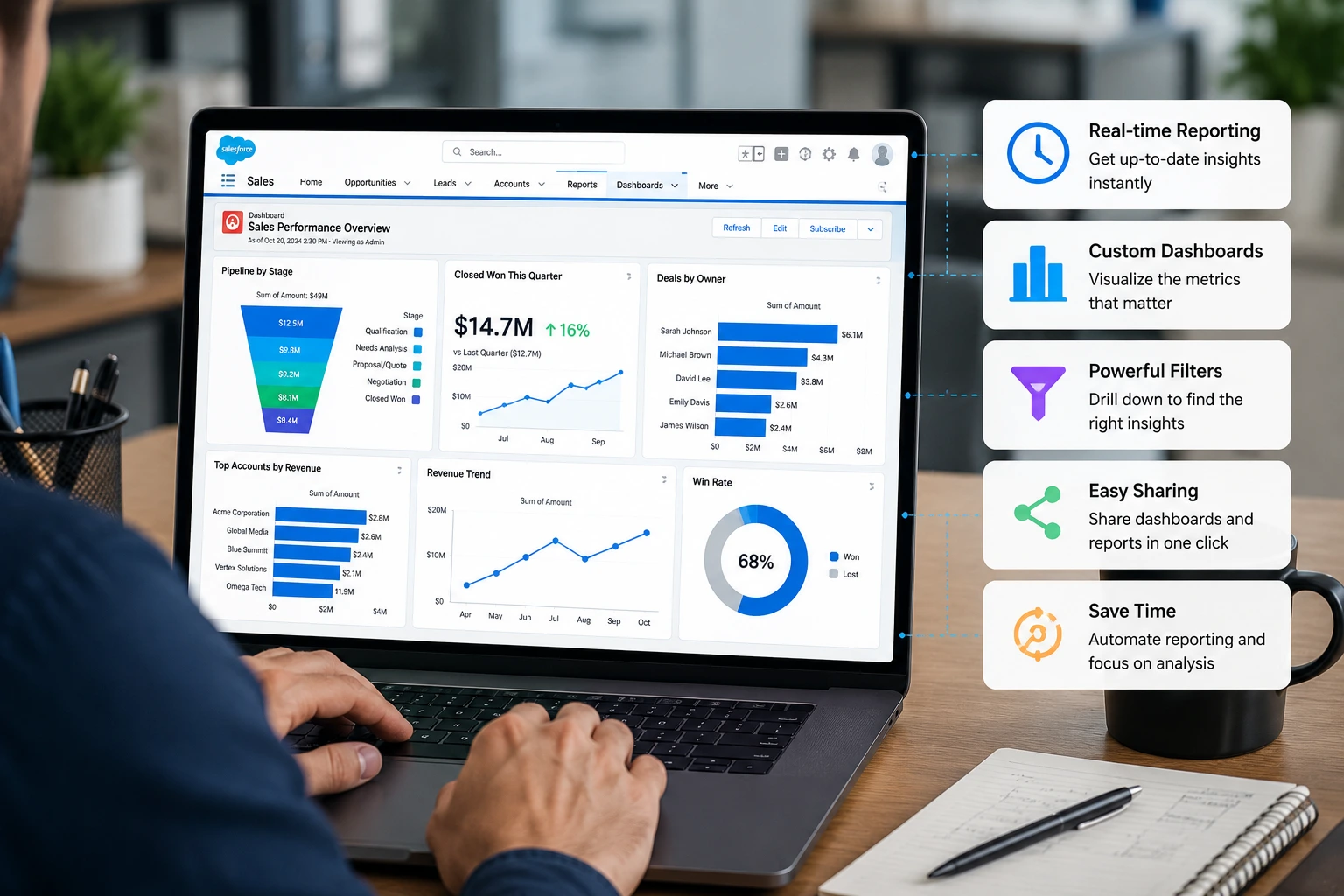
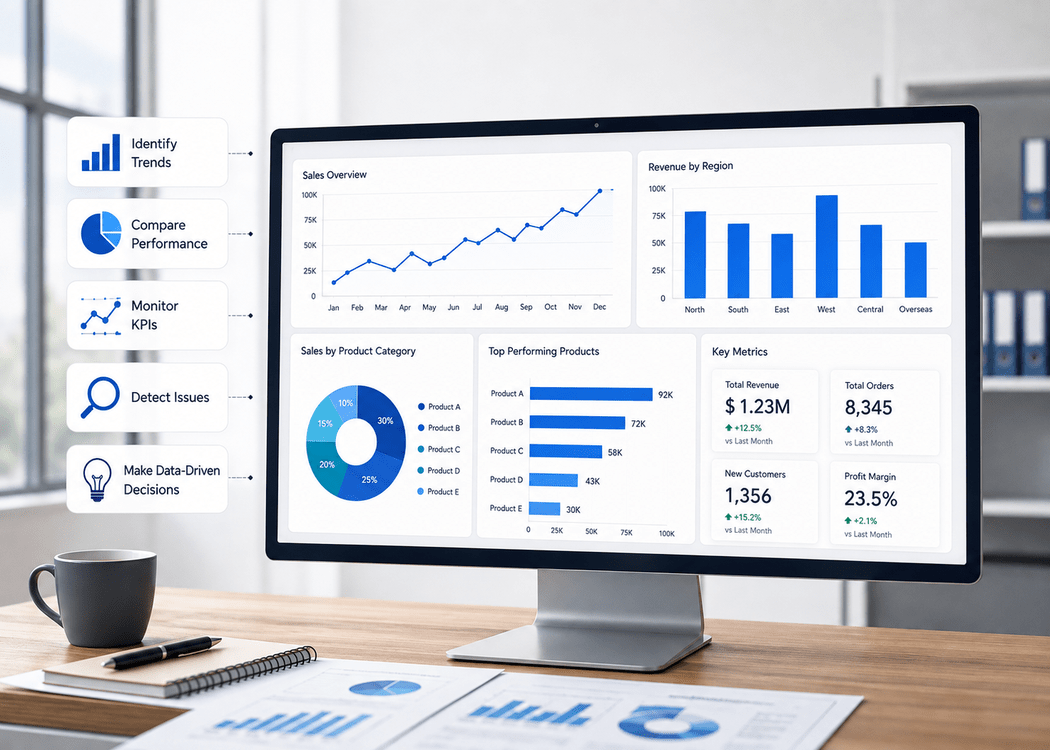
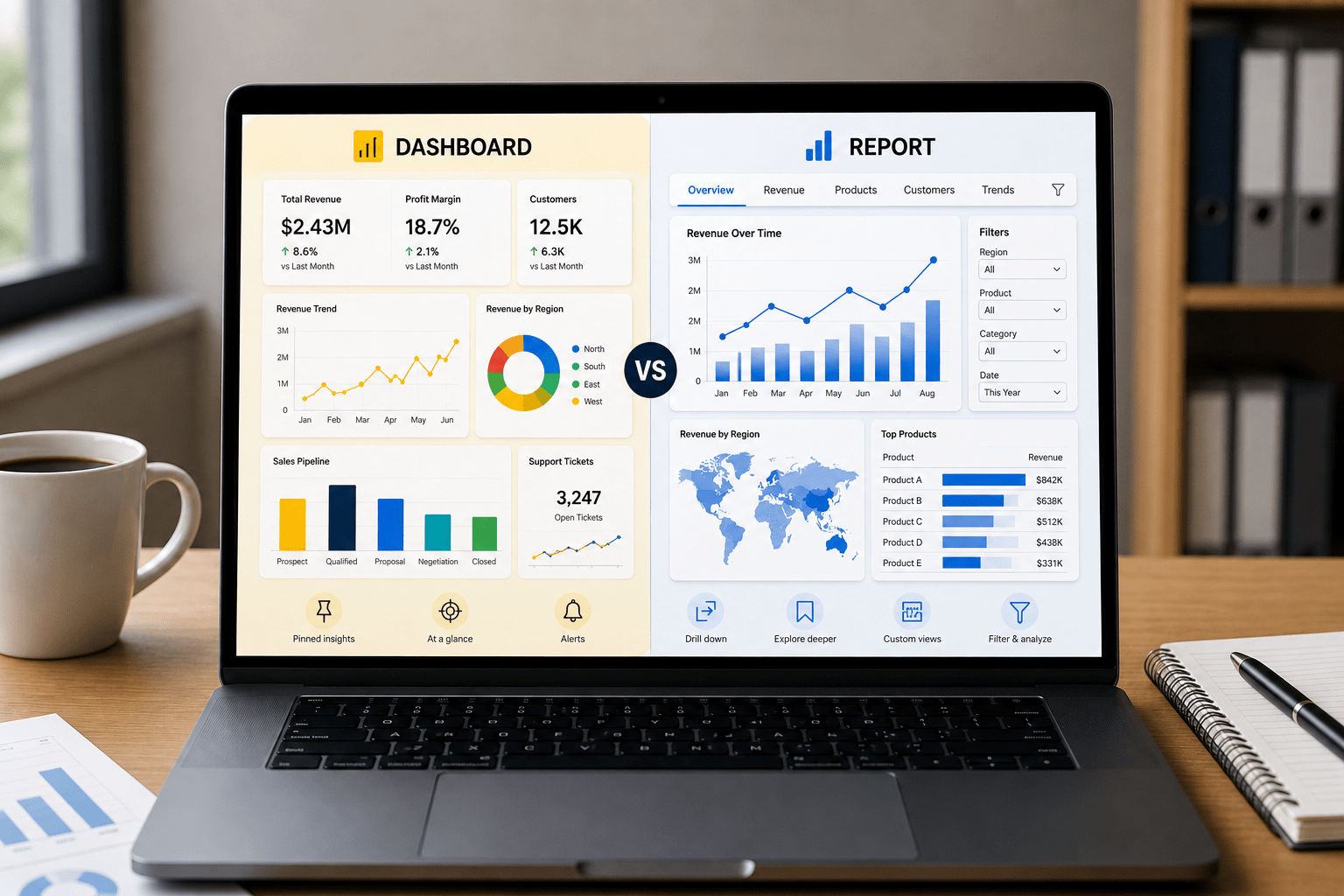
Salesforce has a native report builder that most analysts can pick up quickly. You define the object, add filters, group by the fields that matter, and a report is ready in minutes. No SQL required for most use cases. No waiting on an engineer to build a pipeline.
Dashboards work on top of those reports. Charts, summary tables, and KPI tiles update automatically as the underlying data changes. Analysts can set them up once and let the business consume them on their own schedule.
This matters for two reasons.
First, it removes a large chunk of the repetitive work that eats analyst time the weekly “can you send me the updated pipeline report” requests disappear when stakeholders can check the dashboard themselves.
Second, it allows analysts to focus on interpretation rather than delivery. Instead of spending half the day formatting spreadsheets, they can spend that time finding the insight that actually changes a decision.
Salesforce Einstein Analytics and AI-Powered Insights
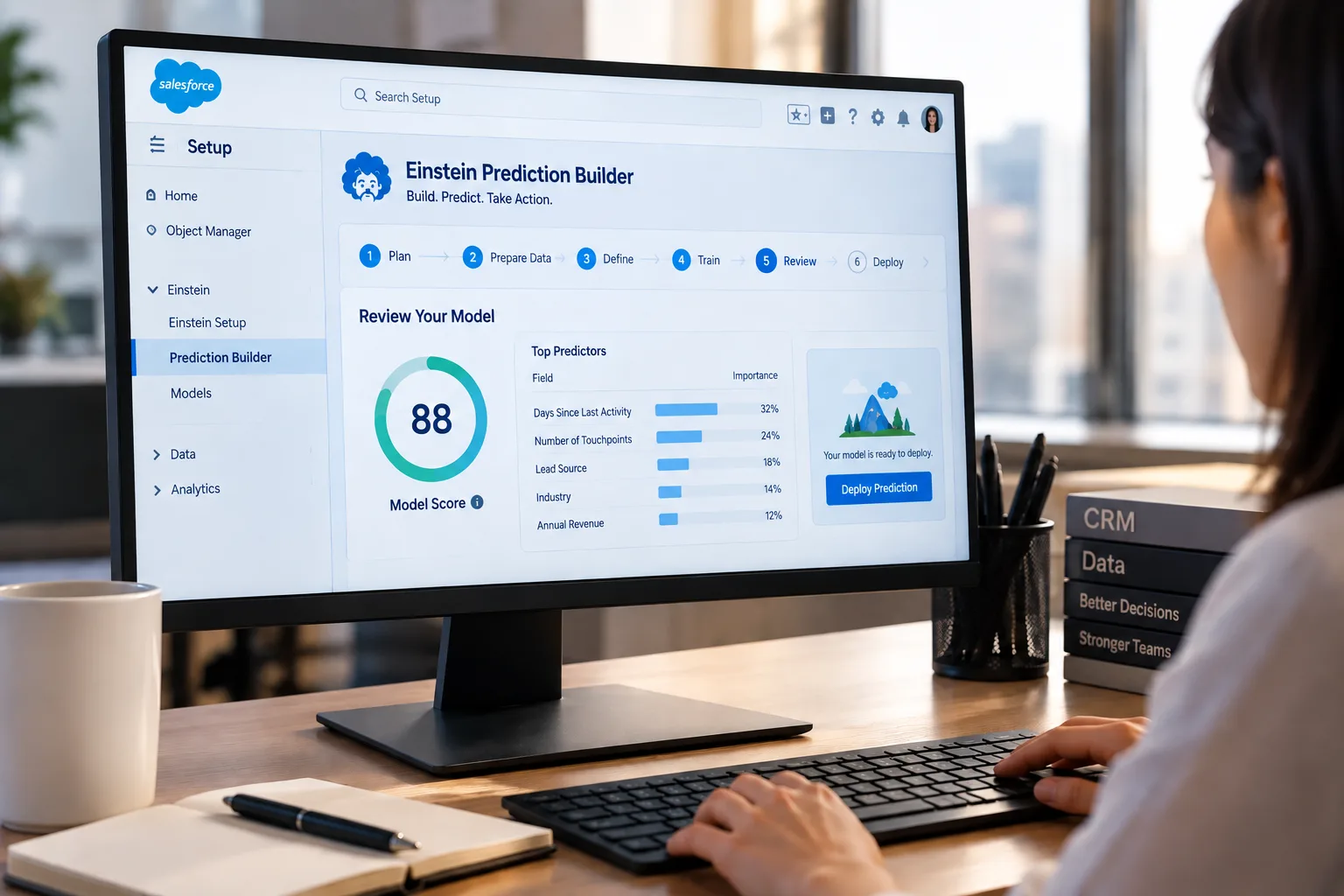
CRM Analytics, previously called Einstein Analytics, is where Salesforce goes beyond standard reporting.
It gives analysts the ability to run predictive models without leaving the platform. Lead scoring, revenue forecasting, churn prediction, and opportunity health scoring can all be configured inside Salesforce using Einstein’s AI layer. For analysts who do not have a data science background, this opens up capabilities that would otherwise require Python, an ML framework, and a separate deployment pipeline.
For analysts who do have that background, Einstein integrates with external models through APIs, so the two environments can work together.
The business impact is real. A large consumer goods wholesaler using CRM Analytics found that sales reps with access to data insights in their pre-call planning delivered approximately 5% more revenue than those without. That is a significant lift from simply putting analysis in the right place at the right time.
If you want to explore what AI-powered analytics looks like in practice, our Salesforce Einstein Discovery and Predictions service covers exactly this from model setup to actionable output inside your CRM.
Salesforce Data Cloud – What It Means for Analysts
Salesforce Data Cloud (formerly Salesforce Customer Data Platform) is one of the most powerful tools available to analysts working with large customer datasets.
Here is the core problem it solves: a customer might interact with a business through their website, through a retail purchase, through a support ticket, and through a marketing email and all of those interactions live in different systems with different identifiers. Linking them together is a significant engineering challenge.
Data Cloud handles that unification automatically. It creates a single customer profile by pulling data from every touchpoint CRM records, website activity, purchase history, IoT devices, social media, and more. Analysts end up with one clean, queryable profile per customer instead of fragmented records scattered across systems.
For segmentation work, this is a game-changer. Instead of building audience lists from a single data source, analysts can segment based on full behavioral history. A customer who bought three times, opened four emails, and submitted a support ticket last month is a very different profile from one who only bought once and Data Cloud makes that distinction visible.
Real-World Use Cases of Salesforce for Data Analysts
The value of Salesforce becomes much clearer when viewed through practical business applications. Data analysts across departments use Salesforce to answer different types of business questions and support decision-making.
Sales Performance Analysis
Sales analysts use Salesforce to monitor pipeline health, conversion rates, average deal size, and sales cycle length. By analyzing opportunity data, they can identify bottlenecks in the sales process and forecast future revenue with greater accuracy.
Marketing Campaign Measurement
Marketing analysts use Salesforce to track lead sources, campaign performance, and return on investment (ROI). By connecting marketing activities to closed revenue, they can determine which campaigns generate the highest business impact.
Customer Success and Retention Analysis
Customer success teams analyze support cases, customer engagement metrics, and renewal trends within Salesforce. These insights help identify at-risk customers before churn occurs and support proactive retention strategies.
Executive Reporting
Business analysts build dashboards that combine sales, marketing, and customer service metrics into a single view. Leadership teams can then make faster decisions using real-time business performance data.
Read Also: 7 Signs Your Company Needs a Data Analytics Consultant
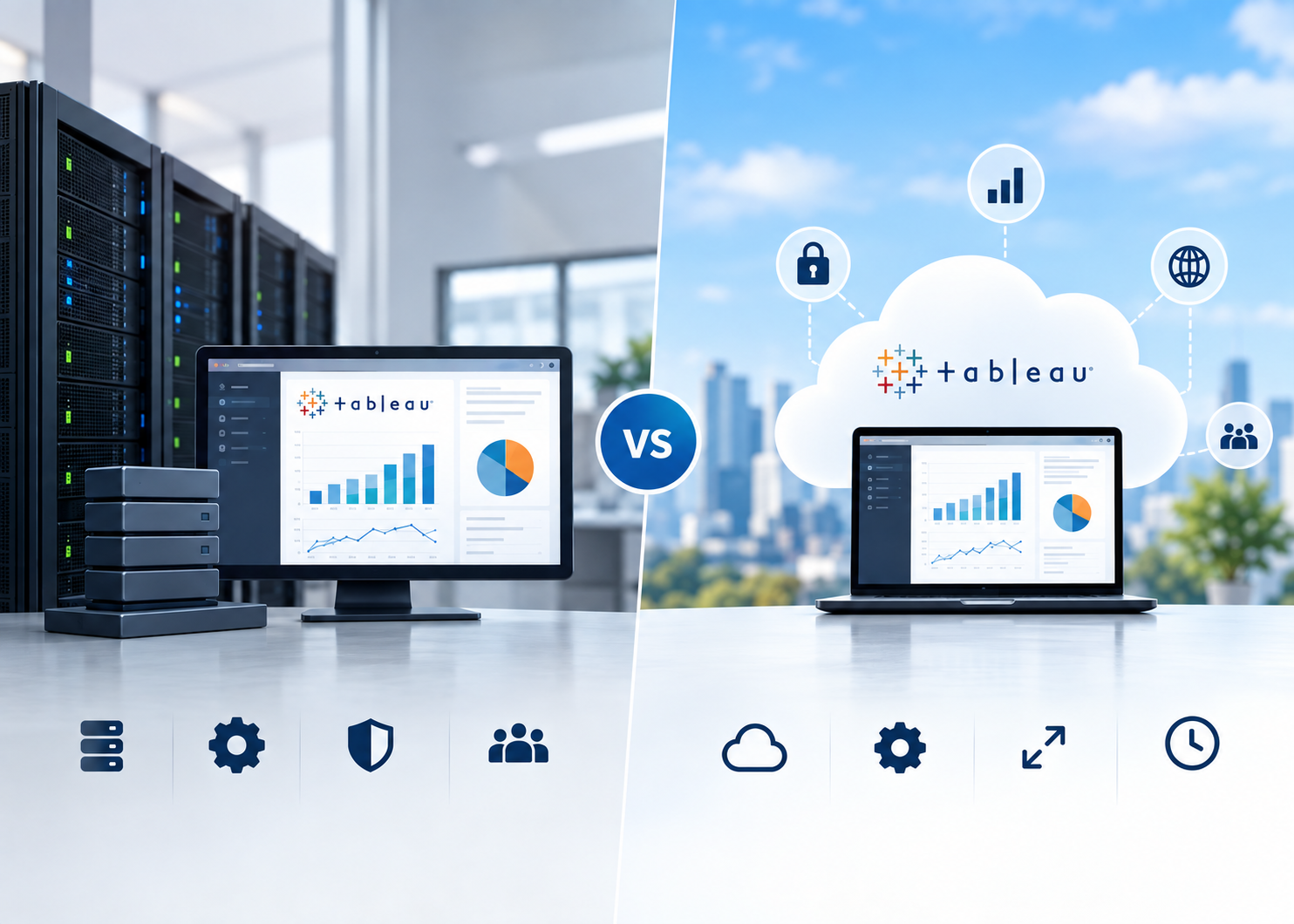
Tableau Integration Makes Visual Analysis Faster
Salesforce acquired Tableau, and that connection pays off directly for analysts.
When Tableau connects to Salesforce natively, analysts get live data without any export or sync step. The data in Tableau reflects what is in Salesforce right now, not yesterday’s export. That eliminates one of the most common and frustrating problems in BI work: stale dashboards that no one trusts.
Beyond freshness, the Tableau-Salesforce integration means analysts can build sophisticated visualizations on top of well-structured CRM data. Complex charts, cross-object analyses, and blended data sources become much easier when the foundation is already clean and organized inside Salesforce.
Analysts who know both tools Salesforce for data management and Tableau for visualization are consistently more productive than those working with disconnected systems. Our Tableau Consulting Services help teams build this exact connected workflow, from data model to published dashboard.
Automation and Workflow Data That Feeds Analysis
One underrated advantage of Salesforce for analysts is the quality of the activity data it generates.
Every call logged, every email sent, every deal stage change, and every task completed is recorded automatically. This is not data that someone manually enters it is captured as a byproduct of how the sales or service team operates. That makes it clean, consistent, and reliable.
Automation tools like Salesforce Flow create even more structured data by enforcing rules about how records move through a process. When a deal moves from “Proposal Sent” to “Negotiation,” Flow can log a timestamp, update related records, and trigger downstream actions all without human intervention.
For analysts, this means the data that feeds their models and reports was built on a consistent process. Garbage in, garbage out is a real problem in analytics. Salesforce’s structure is one of the better defenses against it.
Collaboration Between Analysts and Business Teams
One of the quieter advantages of Salesforce is how well it handles data sharing between analysts and non-technical business users.
Analysts build a report or dashboard. They publish it inside Salesforce. The sales manager, the marketing director, and the VP of Operations can all access it based on their role permissions without the analyst needing to send anything.
This changes the relationship between analysts and the business. Instead of being a data vending machine that emails spreadsheets on demand, analysts become owners of a live data product that the business consults on its own terms.
Role-based access also means each team sees only what is relevant to them. Sales reps see their own pipeline metrics. Directors see team rollups. Executives see company-wide KPIs. One analyst can manage all of that from a single set of reports; it just surfaces differently depending on who is logged in.
This kind of data visualization capability, making complex data readable for different audiences, is central to what good analytics work looks like inside Salesforce.
Skills Analysts Need to Work With Salesforce
Salesforce is more accessible than most people expect. You do not need to be a developer to get value out of it as an analyst.
At the basic level, analysts need to understand Salesforce objects (Accounts, Contacts, Opportunities, Cases), how relationships between objects work, and how to build reports and dashboards using the native tools. SOQL Salesforce Object Query Language is useful to learn early. It looks similar to SQL and opens up more complex data pulls than the drag-and-drop report builder allows.
At the intermediate level, CRM Analytics adds a layer of complexity. Building custom lenses and dashboards in Einstein Analytics requires learning the SAQL query language and understanding how datasets are built from Salesforce objects.
At the advanced level, analysts who want to connect Salesforce to external systems Snowflake, BigQuery, Python pipelines will work with APIs, Data Cloud, and tools like MuleSoft.
The good news is that most analyst work sits in the basic to intermediate range, which is reachable for anyone with a few weeks of practice.
Common Challenges and Limitations of Salesforce for Data Analysts
While Salesforce offers significant advantages for data analysis, it is important to understand its limitations.
Data Quality Depends on User Adoption
Salesforce can only provide reliable insights if users consistently enter accurate information. Missing fields, duplicate records, and inconsistent processes can reduce reporting accuracy.
Complex Data Relationships
Organizations with heavily customized Salesforce environments may have dozens of interconnected objects. Understanding these relationships often requires additional technical knowledge.
Large-Scale Analytics Can Require Additional Tools
For organizations processing hundreds of millions of records, Salesforce may not be the ideal environment for large-scale transformations or advanced data engineering workloads. Platforms such as Snowflake or Databricks are often used alongside Salesforce in these scenarios.
Advanced Machine Learning Needs Specialized Platforms
Although CRM Analytics and Einstein provide powerful predictive capabilities, highly customized machine learning projects may still require Python, cloud-based ML platforms, or dedicated data science environments.
Despite these limitations, Salesforce remains one of the most valuable platforms for customer-centric analytics when implemented correctly.
Real-Time Data Worth Noting
Salesforce’s Agentforce and Data 360 product line reached nearly $1.4 billion in annual recurring revenue by Q3 FY26, growing 114% year-over-year the fastest-growing product category in Salesforce’s history. (Source: Salesforce FY26 Q3 Earnings)
This tells analysts something important: the data and AI side of Salesforce is growing at a pace that far outstrips the core CRM. The platform is moving toward becoming a full data intelligence layer, not just a sales tool. Analysts who build skills here now are positioning themselves well ahead of where the market is heading.
Read Also: Tableau vs Power BI vs CRM Analytics: Which Fits Your Team?
When Salesforce Alone Is Not Enough
This is worth saying clearly.
Salesforce is an excellent tool for analysts, but it is not a replacement for a full data stack in every scenario. For organizations working with very large datasets hundreds of millions of rows Salesforce is better used as a data source than a transformation engine. Heavy data wrangling, complex joins across unstructured datasets, and deep machine learning workflows are better handled in dedicated environments like Snowflake, Databricks, or a Python pipeline.
That said, Salesforce integrates well with most of these tools. MuleSoft handles data integration across systems. Data Cloud connects to external data warehouses. The Salesforce API is well-documented and widely used.
The analysts who get the most out of Salesforce treat it as the customer data layer the authoritative source for CRM and customer activity data- and connect it to the right external tools when the work demands it. If your team needs support building that kind of connected data analytics setup, it is worth talking to someone who has done it before.
Who Benefits Most from Salesforce as a Data Analyst
Sales analysts use Salesforce to track pipeline health, win/loss rates, average deal size, sales cycle length, and forecast accuracy. All of that data lives natively in Salesforce.
Marketing analysts use it to measure campaign ROI, trace lead sources, attribute revenue back to specific campaigns, and build audience segments for future targeting.
Customer success analysts monitor churn signals, track NPS scores, analyze support ticket patterns, and identify which customers need proactive attention before they become a problem.
Business analysts build cross-functional dashboards that tie together metrics from sales, marketing, and service, giving leadership a complete picture of business performance.
In each of these roles, Salesforce reduces the data gathering burden and puts more time back into analysis. That is ultimately why it sits at the center of so many analyst workflows.
Mini Case Study: Improving Forecast Accuracy with Salesforce Analytics
A growing B2B technology company struggled with inconsistent sales forecasts. Revenue projections varied significantly between departments because teams relied on separate spreadsheets and manually compiled reports.
Challenge
- Sales data was spread across multiple reports.
- Leadership lacked a unified view of pipeline performance.
- Forecast updates required several hours of manual work each week.
Solution
The company centralized reporting within Salesforce and implemented CRM Analytics dashboards that tracked pipeline velocity, stage conversion rates, and forecast performance in real time.
Results
- Reduced manual reporting effort by more than 10 hours per week.
- Improved visibility into pipeline risks and opportunities.
- Increased forecast accuracy by identifying stalled opportunities earlier in the sales cycle.
- Enabled leadership teams to make faster, data-driven decisions.
This example illustrates why many organizations view Salesforce as more than a CRM. For data analysts, it becomes a central platform for transforming customer data into actionable business insights.
Conclusion
Salesforce is used by data analysts because it solves the core problem they face every day: getting clean, connected, reliable data without spending most of their time chasing it down.
It centralizes customer and business data, provides built-in reporting and dashboard tools, supports AI-powered predictions through Einstein, and integrates directly with Tableau for advanced visualization. The activity data it captures is structured and consistent. The collaboration layer lets analysts publish insights that business teams can actually use.
For companies already on Salesforce, most of what their analysts need is already inside the platform; it just needs to be set up and connected properly.
At OzaIntel, we help businesses do exactly that. Whether you need help building analytics workflows inside your Salesforce org, connecting Salesforce to your broader data stack, or getting more from your CRM data through AI and visualization, our team has the expertise to make it happen. Explore our services or reach out directly to start a conversation.