Businesses collect a lot of customer data every day. Sales teams track leads. Marketing teams watch campaign results. Service teams log support tickets. But most of this information sits unused. When companies connect CRM analytics directly to their daily tasks, everything changes. Reports update on their own. Tasks start without anyone clicking a button. Decisions happen faster and with better results.
This article covers the top 3 benefits of putting CRM analytics into business workflows. You will see how real-time updates, smart predictions, and personal customer paths help teams work better. By the end, you will have a clear 5-step plan to get started, whether you use Salesforce, HubSpot, or another system.
What Is CRM Analytics Integration?
CRM analytics integration means linking your customer data to the tools your team uses every day. Instead of opening a separate report, the numbers appear right where the work happens.
Here’s how it looks in practice:
A sales rep opens a lead record. The system shows a live score that updates as the lead clicks emails or visits the website. If the score passes 80, the lead moves to a senior rep without anyone typing a note.
Popular tools make this easy:
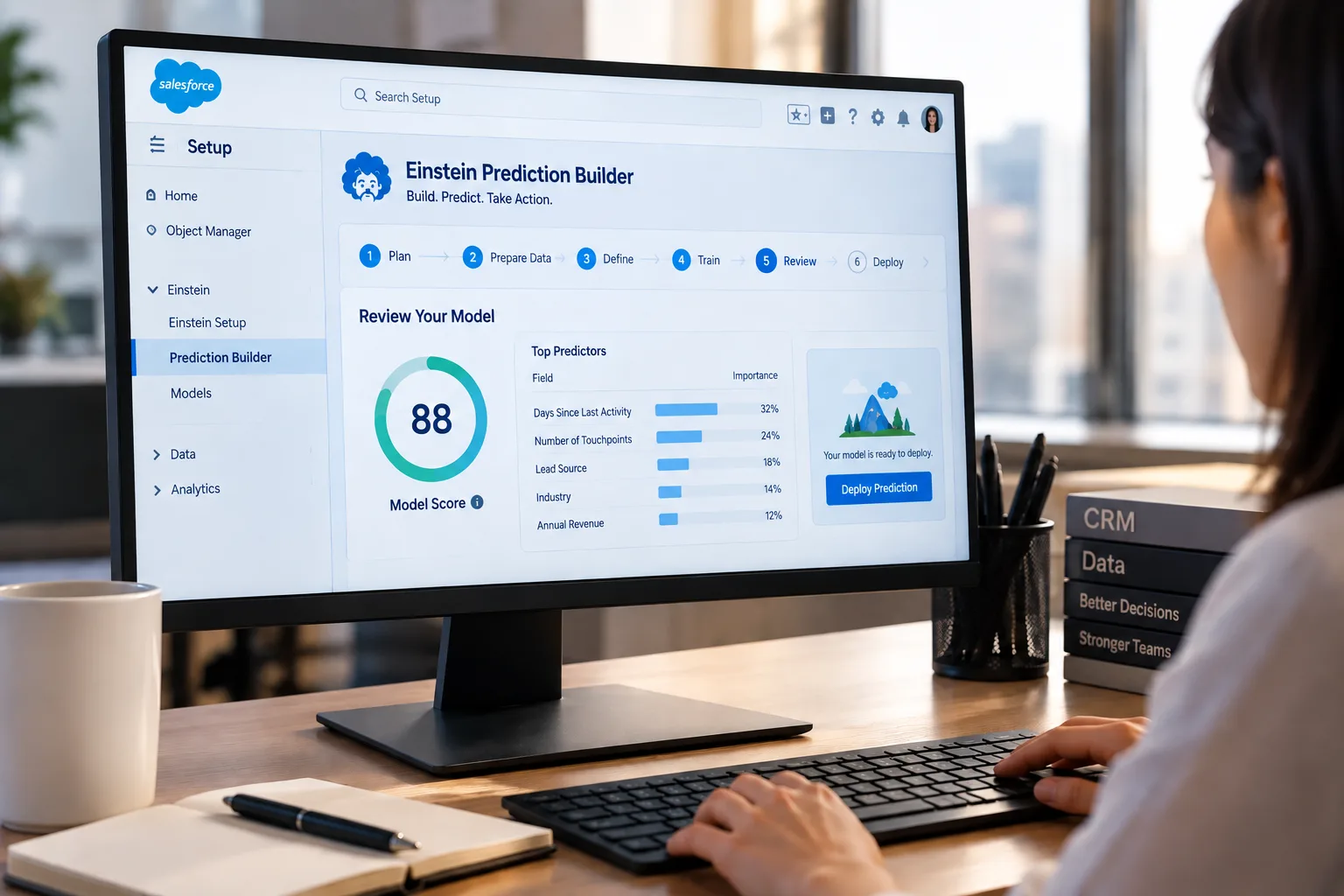
- Salesforce Einstein Analytics and Tableau CRM
- Microsoft Dynamics 365 with Power BI
- HubSpot with built-in reports and Zapier connections
The result? Data stops being a file on a server. It becomes a helper that guides each step.
Benefit #1: Real-Time CRM Insights for Workflow Automation
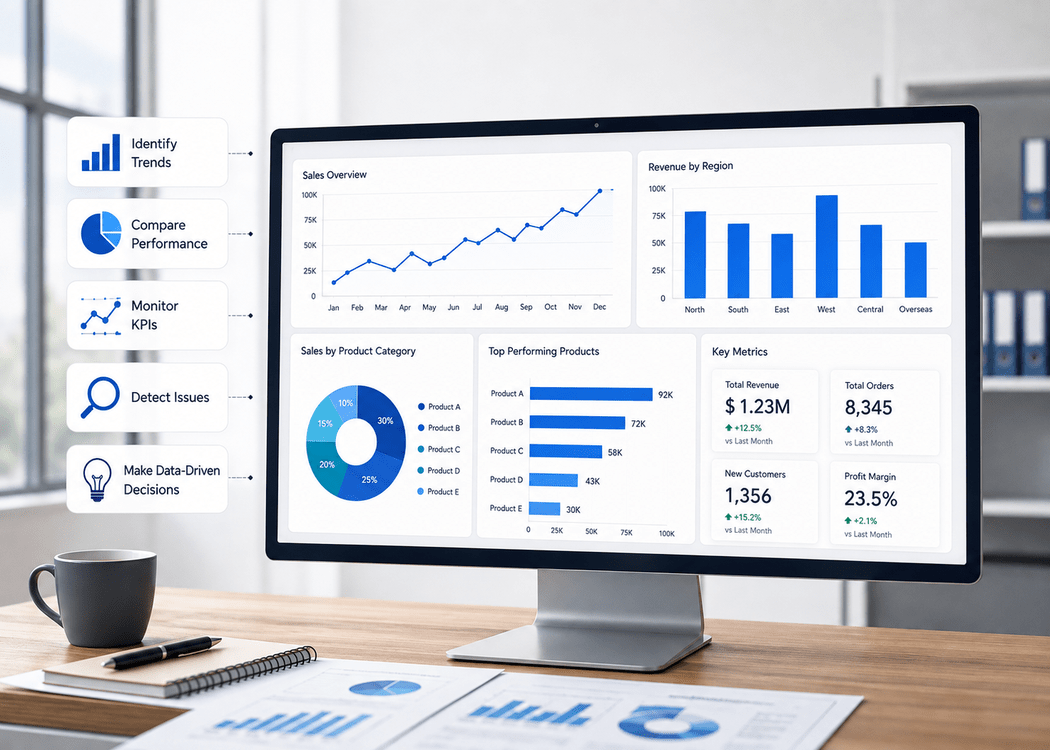
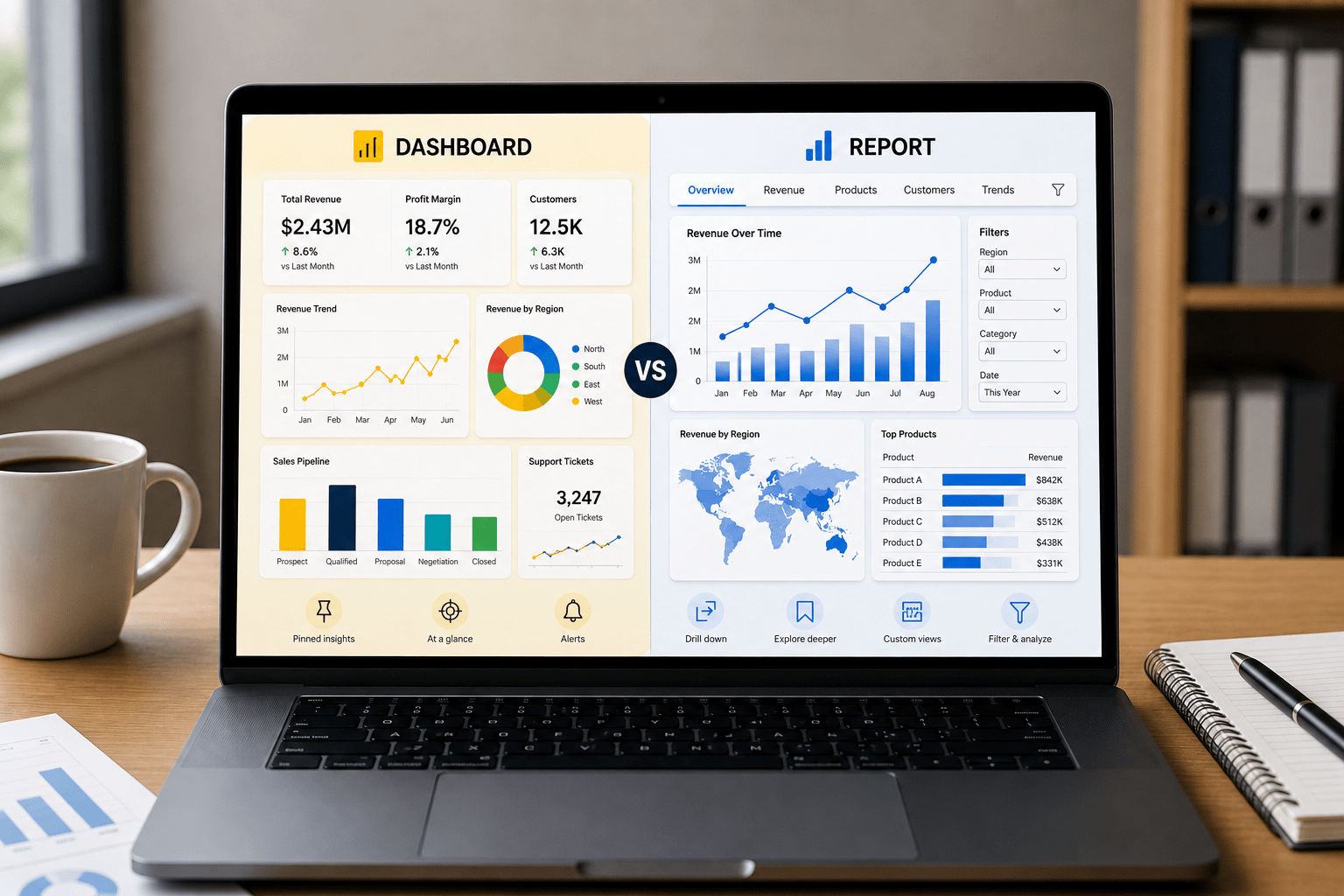
Waiting for weekly reports wastes time. Real-time CRM insights fix that. Dashboards refresh as new data arrives. Team members see changes the moment they happen.
How Automation Saves Hours
Picture a busy sales floor. A hot lead fills out a demo form at 7 p.m. With automation:
- The CRM scores the lead in seconds.
- If the score is high, the system assigns it to the right rep.
- A calendar invite and reminder text go out before the rep even logs in the next morning.
The same idea works in other departments:
- Marketing: Low email open rates trigger a new subject line test no manual check needed.
- Support: Tickets with angry words move to a manager’s queue instantly.
Numbers That Prove It
Gartner found that teams with live data finish tasks 41% faster. One software company we worked with dropped lead response time from one day to under ten minutes. Conversions rose 19% in the first quarter.
Quick Start Tip
Use Salesforce Flow Builder or Power Automate. Pick one trigger, like a lead score change, and connect it to one action, like sending a Slack message. Test it on a small group first.
Benefit #2: Predictive CRM Analytics for Proactive Decision-Making
Most teams react after problems show up. Predictive CRM analytics lets them act before issues grow.
Three Useful Predictions
- Churn Risk – The system spots customers who stop logging in or reduce orders. A renewal email goes out 45 days early.
- Deal Close Chance – Each opportunity gets a percentage. Reps focus on deals rated 70% or higher.
- Next Best Step – After a purchase, the CRM suggests a related product the customer is likely to want.
Putting Predictions to Work
In Salesforce, Einstein Discovery builds these models from your past data. A rep opens an account and sees: “75% chance to close in 10 days. Offer Bundle B to raise odds to 88%.” The suggestion appears as a task with no extra clicks.
Results You Can Measure
The Aberdeen Group says win rates improve 15–20% with predictions. Start with at least one year of clean data. Clean means no duplicate contacts and consistent field names.
Benefit #3: Hyper-Personalized Customer Journeys via CRM Analytics
Generic emails and one-size-fits-all offers no longer work. Customers expect messages that fit their needs. CRM analytics integration makes that possible at scale.
Simple Ways to Personalize
- Marketing: A visitor views the pricing page three times. The next email highlights a limited-time discount.
- Sales: Before a call, the rep sees the customer’s last support issue and favorite product.
- Service: High-value accounts route to experienced agents who know the history.
Automation Behind the Scenes
Workflow rules watch behavior. When conditions match, actions fire:
- Add the contact to a nurture campaign.
- Create a task for a personalized video message.
- Apply a loyalty discount at checkout.
McKinsey reports that personal touches lift conversion rates by up to 30%. The best part? Once set up, the system runs on its own.
Keep Data Safe
Use tools like Salesforce Shield to hide personal details while keeping analytics accurate. Follow local privacy laws from the start.
How to Integrate CRM Analytics into Your Workflows: 5-Step Framework
Ready to try it? Follow these steps:
- Connect Your Data Link sales, marketing, and support records. Salesforce Data Pipelines or MuleSoft handle the heavy lifting.
- Build Live Dashboards Choose Tableau CRM, Looker, or Power BI. Keep charts simple one key number per screen.
- Set Clear Triggers Example: “If lead score > 80, assign to Enterprise team and send Slack alert.”
- Automate the Actions Use Salesforce Flow, Zapier, or Power Automate. Start with one or two rules.
- Check and Improve Review results every month. Adjust score thresholds or add new data fields.
Common Challenges and Fixes
- Data in different places – Use middleware like MuleSoft to pull everything together.
- Team members ignore new tools – Share one win each week and celebrate the person who used it.
- Worried about cost – Begin with free versions of HubSpot or Zoho. Prove value, then upgrade.
- Too many options – Pick a single goal, like faster lead follow-up, and expand later.
Conclustion
CRM analytics integration gives you three big wins: instant updates that remove busy work, predictions that stop problems early, and personal messages that turn browsers into buyers.
Companies that make data part of daily tasks acquire customers 23 times more often (McKinsey). The tools exist. The steps are clear.
Want help putting this into action? Book a free 30-minute Salesforce CRM Analytics audit with OzaIntel. We’ll review your setup and show quick wins, no pressure, just results.